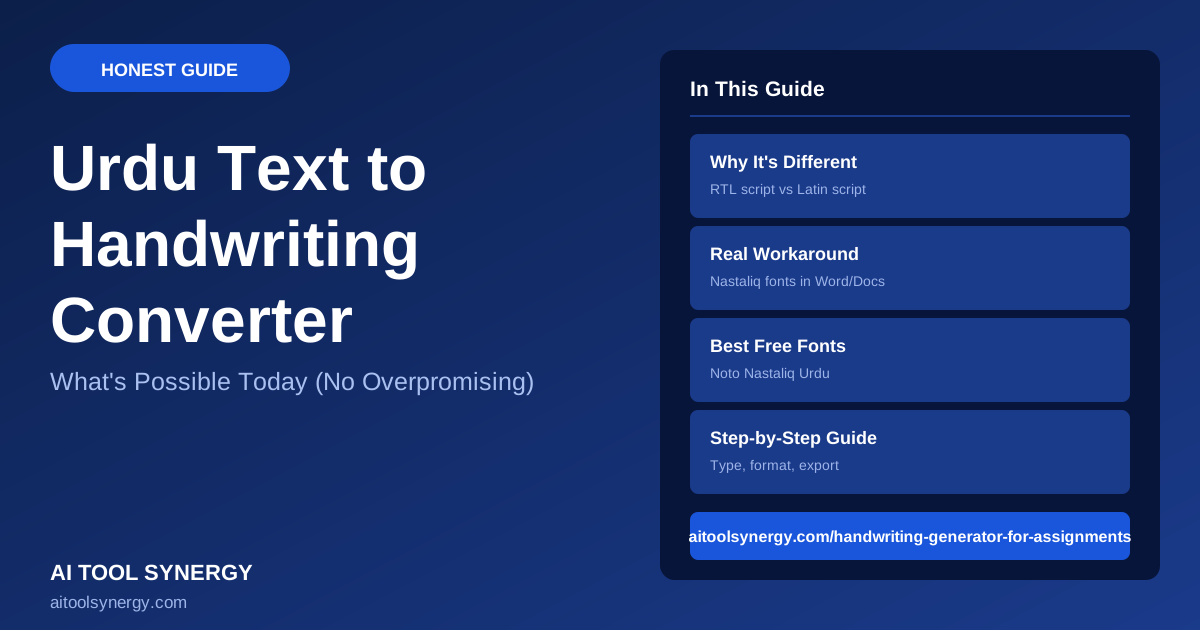
Best Urdu Text to Handwriting Converter Guide (What’s Possible Today)
If you’ve searched for an Urdu text to handwriting converter, you’ve probably noticed most free tools — including ours — only support Latin script right now. This isn’t an oversight; Urdu’s right-to-left, connected Nastaliq script is genuinely harder to render than Latin letters.
This guide explains exactly why that gap exists, what real workarounds are available today, and what to expect as Urdu text to handwriting converter support improves across the tools in this space.
Can You Convert Urdu Text to Handwriting Online?
Right now, free Urdu text to handwriting converter options are extremely limited. Most browser-based handwriting generators, including ours, are built around Latin-script handwriting fonts and left-to-right text rendering.
That doesn’t mean Urdu handwriting-style output is impossible — it means you currently need a different approach than a standard one-click converter.
Why Urdu Text to Handwriting Converters Are Different
An Urdu text to handwriting converter has to solve problems a Latin-script tool never encounters. Urdu is written right-to-left, in the cursive Nastaliq style where letters connect and change shape based on position.
A Latin handwriting font like the ones in our free generator just needs static letterforms with light variation. Nastaliq needs a rendering engine that handles letter joining, diacritics, and right-to-left flow correctly.
The Technical Challenge: Why RTL Scripts Are Harder to Render
Right-to-left (RTL) text rendering on the web requires specific handling that most canvas-based drawing tools — the technology behind most free handwriting generators — weren’t built for.
W3C’s guidance on bidirectional text outlines just how complex RTL rendering gets, even on standard web pages. That complexity is exactly why a true Urdu text to handwriting converter is harder to build than a Latin-script one.
Urdu’s alphabet also uses contextual letterforms, meaning each letter can look different depending on its position in a word — a feature Latin script simply doesn’t have to account for.
Does Our Free Tool Support Urdu Text to Handwriting?
Not yet. Our handwriting generator currently focuses on Latin-script fonts and hasn’t added Nastaliq or RTL rendering support. We’d rather tell you that clearly than have you waste time pasting Urdu text into a tool that wasn’t built to handle it.
If you paste Urdu text into a Latin-script handwriting generator, expect broken or reversed character rendering. This isn’t a settings issue — the underlying tool simply isn’t built for RTL script yet.
Workaround: How to Create Urdu Handwriting-Style Text Today
Until dedicated Urdu text to handwriting converter tools mature — like our generator eventually adding RTL support — a few workarounds exist. The most reliable is applying a Nastaliq-style font directly in a word processor that properly supports RTL text, like Microsoft Word or Google Docs.
This won’t give you the canvas-rendered variation effect of a true handwriting generator, but it will produce correctly shaped, readable Urdu text in a handwriting-style font.
Best Urdu Fonts for a Handwritten Look
Noto Nastaliq Urdu from Google Fonts is the most widely supported free Nastaliq-style font, and it renders correctly in most modern word processors and browsers.
For typing Urdu text in the first place if you don’t have an Urdu keyboard, tools like Easy Urdu Typing or Branah’s virtual Urdu keyboard let you type using Latin characters that convert to Urdu script as you go.
Step-by-Step: Urdu Text to Handwriting Workaround Workflow
-
1Type your Urdu textUse a virtual Urdu keyboard tool if you don’t have one installed on your device.
-
2Open a word processor with RTL supportWord and Google Docs both handle Urdu’s right-to-left flow correctly.
-
3Apply a Nastaliq-style fontNoto Nastaliq Urdu is free and widely compatible.
-
4Export or screenshot the resultSave as PDF or take a clean screenshot for sharing or printing.
Urdu vs Latin Script — Why One Is Easier to Convert
Building an Urdu text to handwriting converter is a different engineering challenge than a Latin one, as this comparison shows.
- Left-to-right, static letterforms
- Well-supported by canvas-drawing tools
- Many free handwriting generators available
- Variation engines work reliably
- Right-to-left, contextual letterforms
- Few canvas tools handle RTL correctly
- Free dedicated converters are rare
- Font-based workarounds are the current best option
Common Mistakes With Urdu Text to Handwriting Converters
- Pasting Urdu text into a Latin-only tool. Expect broken, reversed, or disconnected characters — the tool isn’t built for it.
- Assuming any handwriting font supports Urdu. Most handwriting fonts are Latin-only; you need a specific Nastaliq font.
- Skipping a proper RTL-aware word processor. Plain text editors without RTL support will scramble word order.
- Expecting canvas-style variation. Font-based Urdu workarounds look neat but won’t have the randomized realism of a true handwriting generator.
Always preview Urdu text in the actual app you’ll export from. Some apps render Nastaliq fonts beautifully; others substitute a fallback font that looks nothing like handwriting.
The Future of Urdu Text to Handwriting Tools
RTL and Nastaliq rendering support is a known gap across the free handwriting tool space, not just on our end. As canvas-rendering libraries add better RTL support, a true free Urdu text to handwriting converter should become more common.
We’re tracking demand for this feature and will update our own tool’s roadmap if Urdu support becomes technically viable to build well, rather than rushing out a broken version.