LinkedIn Character Limit 2026: Posts, Headline, About & More
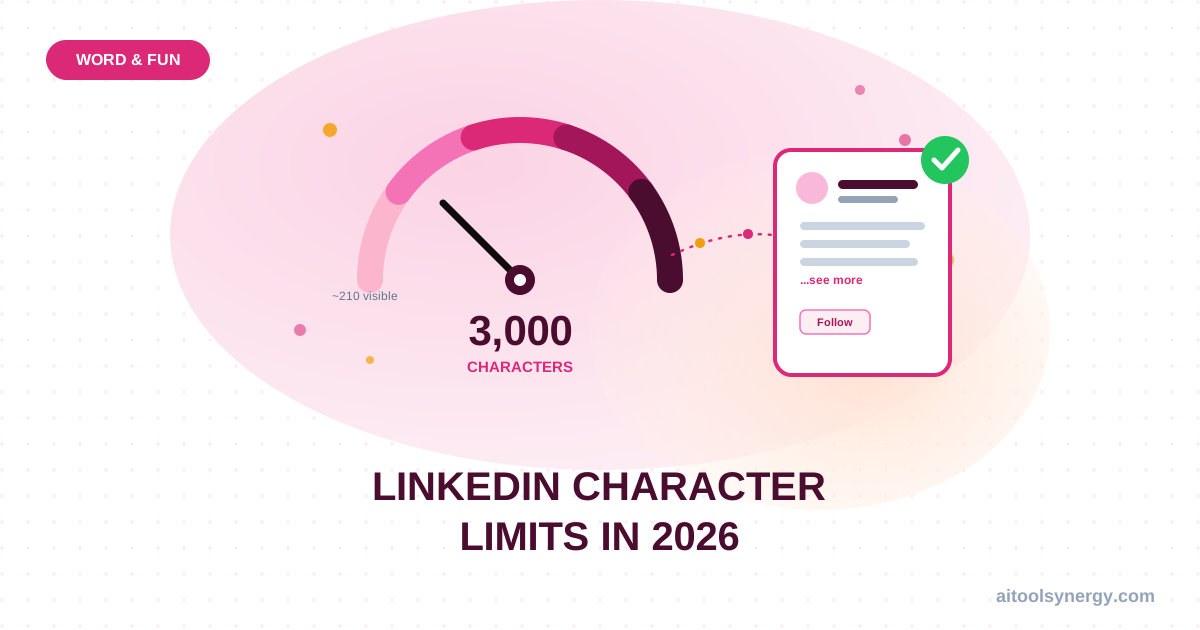
The LinkedIn character limit 2026 for posts is 3,000 characters, confirmed directly by LinkedIn’s own Help Center. But only the first ~210 characters show on desktop — and roughly 140 on mobile — before readers have to click “see more,” so a 3,000-character LinkedIn post is really a 210-character hook plus 2,790 characters that only your most engaged readers will see.
This guide covers the complete LinkedIn character limit 2026 for every field — posts, headline, About section, connection requests, and InMail — and where each number actually comes from. If you’re drafting a post right now, paste it into our free word counter for an instant character count.
Check Your Post Length Instantly
Paste any LinkedIn post, headline, or About section into our free word counter to see your exact character count before you publish.
Check My Post →LinkedIn Character Limit 2026: Every Field at a Glance
| Field | Character Limit |
|---|---|
| Post (feed update) | 3,000 (official) |
| Post visible before “see more” | ~210 desktop / ~140 mobile |
| Headline | 220 |
| About / summary section | 2,600 |
| Article title | 150 |
| Comment | 1,250 |
| Connection request note | 200 (free) / 300 (Premium) |
| InMail message body | ~1,900 |
The 3,000-character post ceiling is the headline figure in the LinkedIn character limit 2026, holding steady since LinkedIn expanded it from 1,300 characters — a change confirmed in LinkedIn’s own historical guidance. Unlike Instagram, where the visible-before-truncation gap is tiny relative to the full limit, LinkedIn’s post preview cuts off far earlier than its 3,000-character ceiling.
Why Your Headline Matters More Than Your Post
Your 220-character LinkedIn headline is the single most-seen piece of text on the platform — it shows up next to your name in every comment, post, and search result. LinkedIn’s own guidance on building a strong profile specifically calls out rewriting your headline to promote your expertise rather than leaving it as a default job title. Unlike your About section, there’s no truncation trick here — what fits in 220 characters is what people see, always.
Independent analysis of over 372,000 LinkedIn posts by AuthoredUp found posts between 1,301 and 2,500 characters generate the highest median engagement — well above posts under 400 characters. Maxing out the full 3,000-character LinkedIn post limit isn’t the goal; landing in that data-backed middle range is.
LinkedIn About Section: 2,600 Characters, Mostly Hidden
Your About section allows up to 2,600 characters, but LinkedIn shows only the first 200–300 characters before its own “see more” cutoff. LinkedIn’s official profile guidance recommends keeping this section to roughly one or two paragraphs rather than filling all 2,600 characters — treat the opening lines like a landing-page headline, since that’s the only part most visitors will ever read.
Draft Within the Limit Before You Publish
LinkedIn’s compose box doesn’t show a running character count as clearly as you’d want near the 3,000-character ceiling. Check your exact count first.
Check My Character Count →Connection Requests and InMail Limits
Connection request notes are capped at 200 characters on free accounts and 300 on Premium, Sales Navigator, and Recruiter accounts. InMail messages run to roughly 1,900 characters in the body. For a full cross-platform comparison, see Letter Counter’s LinkedIn character limit reference, which tracks these figures alongside every other LinkedIn text field.
LinkedIn vs. Instagram Character Limits
If you’re repurposing the same caption across platforms, it helps to know how the limits compare — a caption written for Instagram’s 125-character preview cutoff usually needs re-editing for LinkedIn’s much longer ~210-character threshold. We cover Instagram’s limits in detail in our Instagram Caption Character Limit guide.
FAQ: LinkedIn Character Limit 2026
What is the LinkedIn character limit 2026 for posts?
Up to 3,000 characters, confirmed directly in LinkedIn’s own Help Center, including spaces, emojis, and line breaks.
What’s the LinkedIn headline character limit?
220 characters. This appears next to your name across the platform, so it’s worth using deliberately rather than leaving it as a default job title.
How long can a LinkedIn About section be?
Up to 2,600 characters, though only the first 200–300 show before “see more” — LinkedIn recommends one or two focused paragraphs over filling the full allowance.
Does LinkedIn truncate posts like Instagram does?
Yes. Posts show roughly the first 210 characters on desktop (140 on mobile) before readers need to click “see more” — a similar concept to Instagram’s 125-character caption preview, though the cutoff point differs.
What’s the optimal LinkedIn post length for engagement?
Independent analysis of 372,000+ posts found 1,300–1,900 characters generates the strongest engagement — well short of the full 3,000-character limit.
Is there a minimum length for a LinkedIn post?
No minimum — you can post as little as a single character, though posts with more substance typically perform better in the feed algorithm.
Related Character Limit & Readability Guides
Check Any Post Against the 2026 Limit
Use our free word counter to check your exact character count before publishing — works for posts, headlines, and About sections, right up to the LinkedIn character limit 2026.
Try the Free Word Counter →